Nitepad
Write an idea down at night with your finger, on a black screen, without waking up. In the morning it’s a task in your Inbox. Phone only.
Nitepad is for the idea that comes at 2 a.m. Open it, write with your finger on a black screen, and go back to sleep. In the morning the idea is a task.
Put it on your phone
Nitepad is on a phone only, as an icon of its own.
On an iPhone
- Open ringlist.ai/nitepad in Safari.
- Tap Share, then Add to Home Screen, then Add.
On Android
- Open nitepad.ringlist.ai in Chrome.
- Tap Chrome’s menu (⋮), then Install and create shortcut.
- Choose Install, not Create shortcut.
If the top says your ideas wait until you sign in, tap Open Ring List and sign in. You’re brought back to Nitepad.
Write an idea down
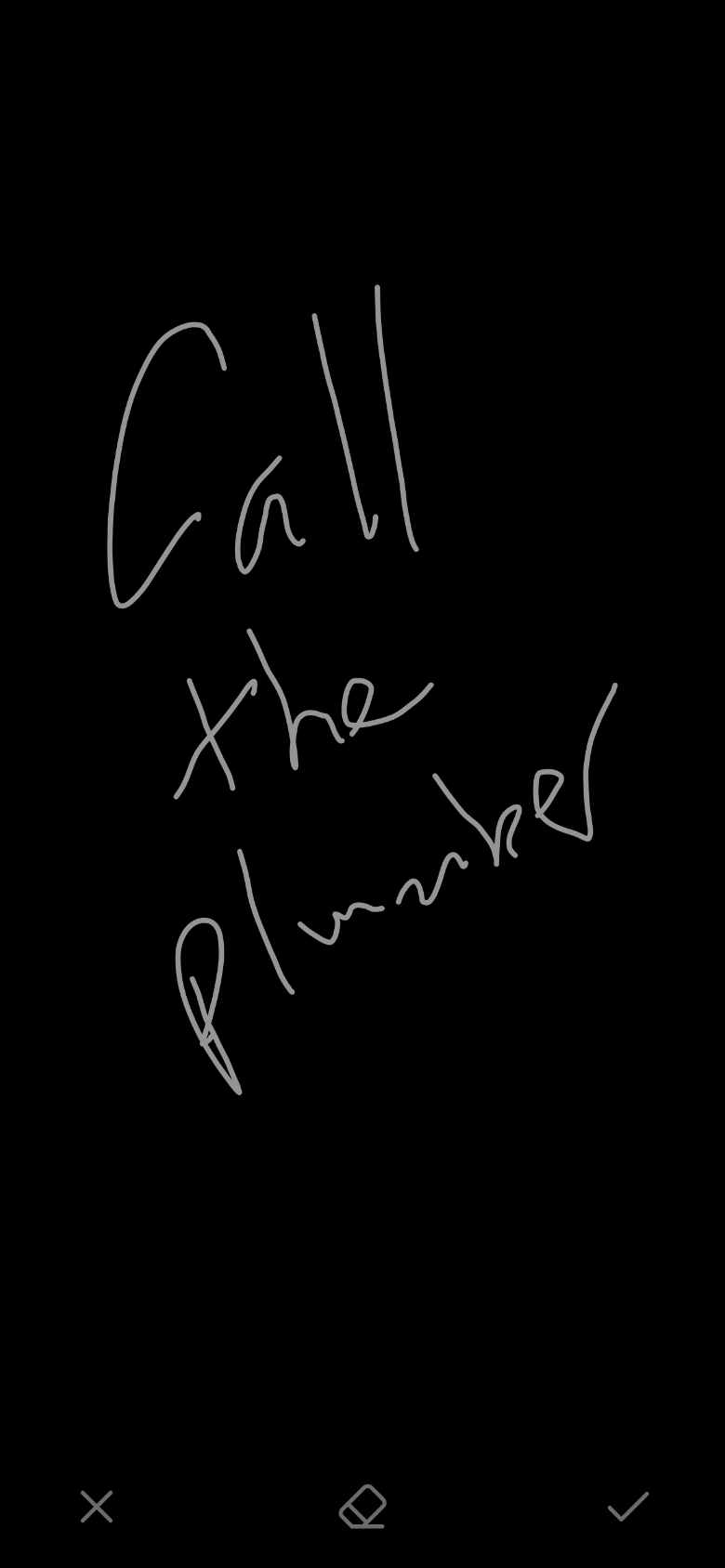
- Write with one finger, as large as you like.
- Tap the check mark at the bottom right to save it. The screen clears for the next one.
Each save is one task.
- A word gone wrong? Tap the eraser at the bottom middle, so it lights up, and rub over the word with your finger. Each line you touch goes. Tap the eraser again to write.
- Start over? Tap ✕ at the bottom left, or give the phone a hard shake. Shake again within 10 seconds to bring it back. On an iPhone, the first tap on ✕ or the eraser asks about motion: tap Allow, or shaking won’t work.
- Too bright? Put two fingers down together and swipe down to dim the writing, or up to brighten it. Nitepad ink in Settings › Appearance sets it too.
- Left without saving? Going to another app or turning the screen off saves the idea anyway.
You don’t need a connection: ideas wait on the phone and go when they can.
In the morning
Each idea is an Inbox task, with your drawing under it. It isn’t in your plan: put the ones you’ll do on it.
With AI on, Claude reads your writing, and the task’s words are what you wrote. With AI off, or if it can’t be read, the task is called Nitepad idea: tap it and type the words.